There is no shortage of new AI tools these days. Every week, another chatbot, image generator, writing assistant, or productivity app appears with a big promise.
But Meta Muse is getting attention for a different reason.
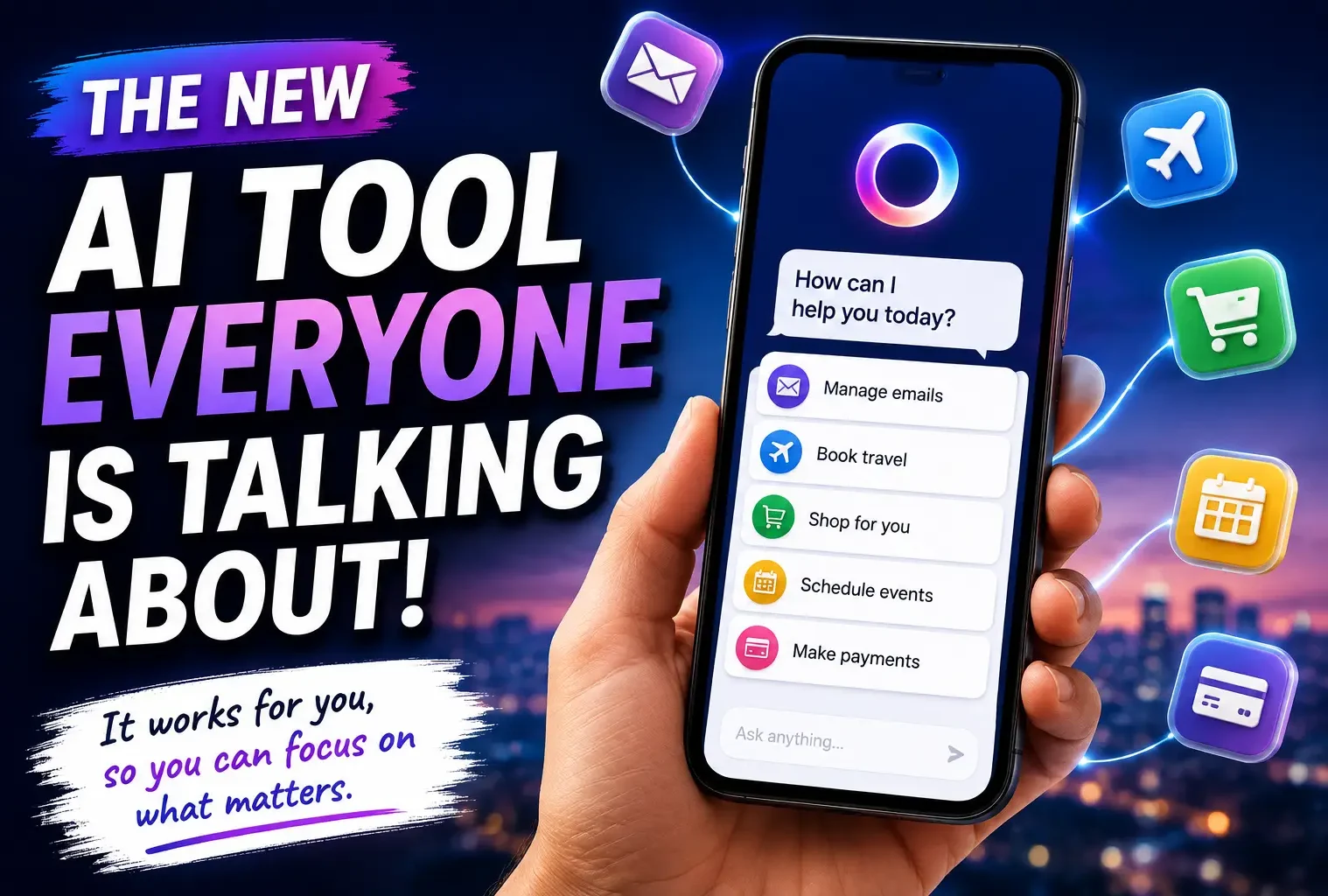
Instead of simply giving you an answer and waiting for your next instruction, Muse is designed to actually help carry out everyday tasks. It can work with apps and services on your behalf, including tasks involving email, shopping, travel, calendars, and other everyday activities.
That makes Muse feel less like another chatbot and more like a digital assistant that can take action.
Meta launched Muse in the United States in September 2026, making the U.S. the first market to get access through a dedicated app and WhatsApp.
So, what exactly is Muse, what can it do, and is it something worth trying?
What Is Meta Muse?
Meta Muse is a personal AI agent built to handle tasks rather than simply chat with you.
That distinction is important.
With a traditional chatbot, you might ask:
“Help me plan a weekend trip.”
The chatbot could give you suggestions for hotels, restaurants, activities, and travel options. You would then have to open different websites and apps and complete everything yourself.
Muse is designed to go further.
It can work with connected apps and perform certain actions for you. Meta says the assistant can handle tasks such as sending emails, booking travel, selling items and filling out forms.
That is the part that has people paying attention.
Why Is Everyone Talking About Muse?
The biggest change is the move from answering to doing.
For years, most consumer AI products have worked like this:
You ask → the tool responds → you take action.
Muse aims for something closer to:
You ask → Muse plans → Muse takes action → you review the result.
That could make a difference for everyday tasks that are simple but time-consuming.
Imagine telling Muse:
“Find a good flight for my trip and help me organize the details.”
Instead of receiving a list of search results and starting from scratch, an agent can potentially work through the connected services and complete parts of the process.
The same idea could apply to emails, shopping, scheduling and other digital chores.
It is a much more ambitious direction than simply generating text.
What Can Meta Muse Do?
Muse is designed around everyday digital tasks.
According to reports about the launch, some of its capabilities include:
- Sending and managing emails
- Helping with travel bookings
- Selling items online
- Filling out forms
- Creating personalized plans
- Managing schedules
- Helping with shopping
- Working with connected apps
- Assisting with longer-term goals
Meta has also designed Muse to work across services such as email, calendars, payments, shopping and smart-home functions.
The exact capabilities can depend on which services are connected and what permissions you give the assistant.
That last part matters.
Giving software permission to read information is one thing. Giving it permission to take actions is very different.
Muse Isn’t Just Another Chatbot
This is probably the easiest way to understand why Muse is interesting.
Chatbots are generally built around conversations.
You ask a question.
You receive an answer.
You decide what to do next.
An agent like Muse is built around completing a goal.
For example, instead of asking:
“Can you write an email asking for a hotel refund?”
You might want an assistant that can help prepare the email, identify the relevant booking information and potentially handle the next steps.
That sounds small, but multiply it across dozens of tasks every week and the idea becomes much more interesting.
How Does Muse Work?
Muse uses a large language model to understand what you want and determine the steps required to complete a task.
The assistant can interact with applications and services that you allow it to access.
Meta says Muse operates inside a dedicated virtual machine designed to separate the assistant and user data from the rest of the system. The company has also added controls intended to give users more control over app access.
There is also a separate safety system designed to monitor what the agent does.
These safeguards are important because an assistant that can send an email or make a purchase has much more responsibility than one that only produces text.
The Privacy Question
This is where I would slow down before giving Muse access to everything.
An assistant that can interact with your apps may need access to information that you normally keep private.
Think about what exists inside your email account alone:
- Personal conversations
- Receipts
- Travel information
- Addresses
- Work documents
- Account notifications
- Shopping history
Now add calendars, payments and other connected services.
That creates a very different privacy situation from using a basic chatbot.
Meta says Muse includes privacy and security protections, but early reporting has also highlighted reliability and security concerns during testing.
So I would not recommend giving an agent unlimited access just because it can save a few minutes.
Start with low-risk tasks.
See how it behaves
Then decide whether you are comfortable giving it additional permissions.
Muse Pricing
Meta has introduced different access levels for Muse, including a free option and paid plans reported at $20 and $100 per month.
That $100 price point is especially interesting because it puts Muse into a different category from the typical $10–$20 monthly productivity subscription.
For casual users the free version may be enough to experiment with the technology.
For people who regularly use an assistant for work or complicated tasks, the higher-priced options could make more sense if the time savings justify the cost.
The real question isn’t simply
Is Muse expensive?
It is:
“How much of my daily work can it actually handle reliably?
That is something worth testing before paying for a premium plan.
Who Should Try Meta Muse?
Muse could be particularly interesting for people who spend a large part of their day jumping between different apps.
Busy professionals
If your day involves emails, calendars, documents, scheduling and repetitive online tasks, an agent could potentially reduce some of that workload.
Freelancers
Freelancers often handle everything themselves, from client communication to scheduling and administrative work.
Having help with repetitive digital tasks could be useful.
Small business owners
Small businesses rarely have enough time for every administrative job.
An assistant that can help organize routine tasks could become valuable if it proves reliable.
People who hate repetitive online work
This might actually be the biggest audience.
If you constantly find yourself thinking I wish someone would just do this for me,” Muse is built around that exact idea.
What I Like About the Concept
The most interesting part isn’t the chatbot itself.
It is the idea of delegation.
We already have plenty of tools that can write, summarize, search and generate images.
The next step is having software that can take a goal and handle several steps to reach it.
That could eventually change how people interact with software.
Instead of opening five different apps to complete a task, you could explain what you want and let an assistant coordinate the process.
That is a much bigger shift than simply getting better answers from a chatbot.
What Still Needs Improvement
I would not treat Muse as a replacement for human judgment.
An agent can misunderstand instructions.
It can choose the wrong option.
It can make an incorrect assumption.
And when an assistant has permission to take actions, a small mistake can have bigger consequences.
Meta’s own testing has revealed issues involving reliability and security, which shows why this category still needs careful development.
For now, I would keep an eye on important actions.
For example, if Muse prepares a travel booking, email or purchase, check the details before anything irreversible happens.
Convenience is great.
But convenience should not mean giving up control.
Meta Muse vs Traditional Chatbots
The difference can be summarized pretty simply.
| Feature | Traditional Chatbot | Meta Muse |
|---|---|---|
| Answer questions | Yes | Yes |
| Generate text | Yes | Yes |
| Plan tasks | Yes | Yes |
| Work across apps | Limited | Designed for this |
| Take actions | Limited | Core focus |
| Send emails | Usually requires user action | Designed to assist with this |
| Handle multi-step tasks | Limited | Major focus |
| User permissions | Usually simpler | More important |
The biggest difference is the final step
A traditional chatbot usually leaves the action to you.
Muse is designed to help perform the action itself.
Is Meta Muse Worth Trying?
If you’re in the U.S. and have access to Muse, I think it is worth experimenting with but start small.
Don’t immediately connect every account you use.
Try simple tasks first.
Ask it to organize information, help with a routine task or prepare something that you can review before sending or submitting it.
After using it for a while, you’ll have a much better idea of whether it actually saves you time.
That’s the real test.
Not how impressive the launch announcement sounds.
Not how futuristic the demonstrations look.
The question is whether Muse can make an ordinary Tuesday easier.
The Bigger Picture
Muse is part of a much larger change happening across the technology industry.
The focus is moving from software that simply generates information toward software that can act on your behalf.
That shift could eventually affect how we use email, shopping websites, calendars, travel services and even workplace software.
But it also creates new questions about privacy, security, reliability and control.
For users, that means the smartest approach is probably not to blindly trust every new assistant.
Try it
Test it
Keep important actions under your control.
And only give an assistant access to information you are genuinely comfortable sharing.
Meta Muse is still a new product so its long-term impact is difficult to predict. But the idea behind it is easy to understand: instead of asking software to tell you what to do, you may soon be asking it to do more of the work for you.